VISION
Your browser
Everything you need for everyday browsing, with a place to keep what matters.
- Tabs, bookmarks, history and downloads
- Save pages to your Library for offline reading
- Ask VISION, Focus Mode and VISION Points
Meet VISION, a browser built for the way you browse, learn, and work. Keep your important resources organised, explore useful tools, and access saved content when connectivity is unavailable.
Public downloads are coming soon.







 Ann-Connect
The same powerful browser. Different ways to work. VISION Pro builds on everything in VISION.
VISION
Everything you need for everyday browsing, with a place to keep what matters.
Tools for browsing, learning, working and staying focused — designed to help you keep what you find.
Fast, familiar and built on Chromium.
Organise projects and research.
Get answers and help, faster.
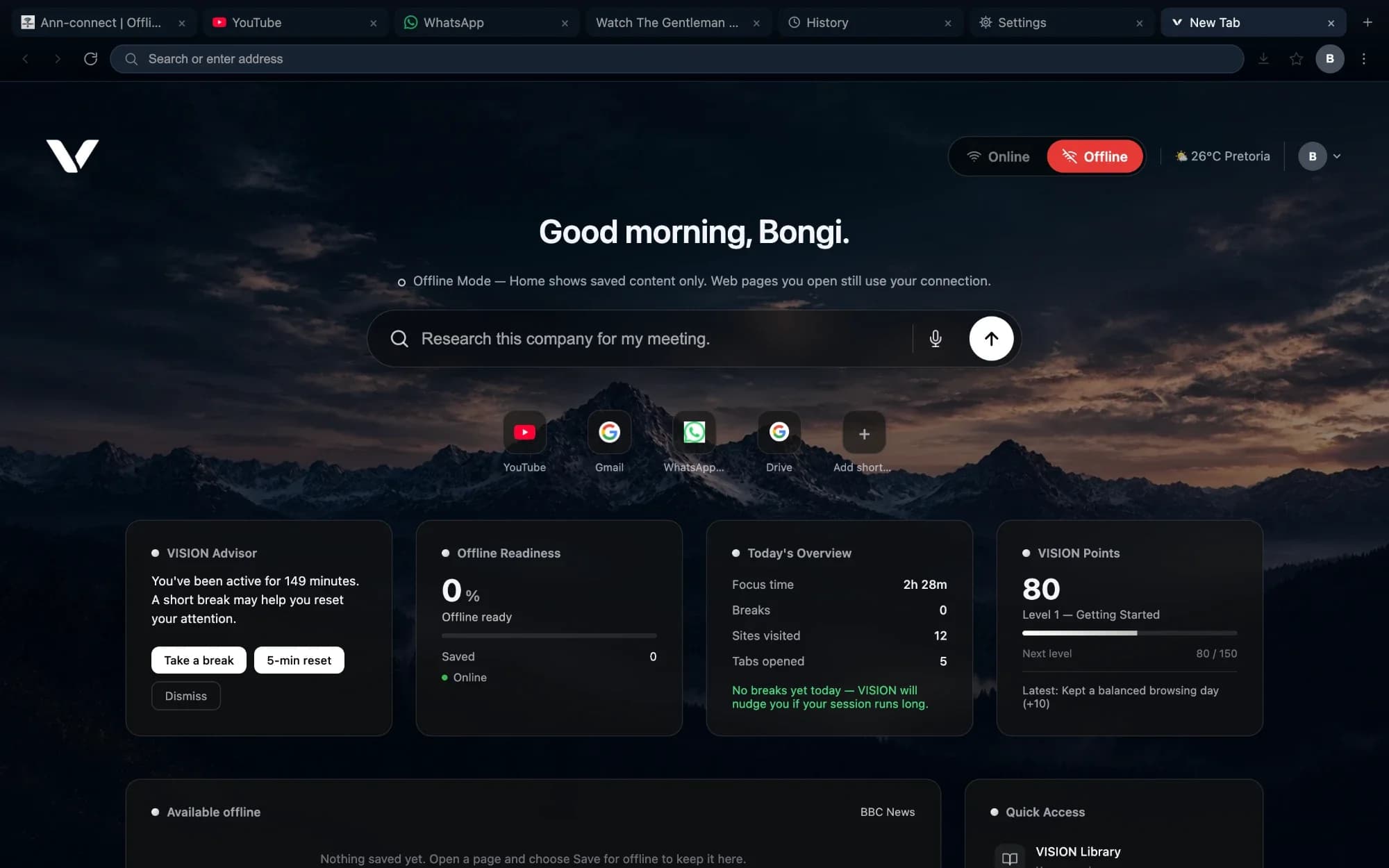
Open saved content without a connection.
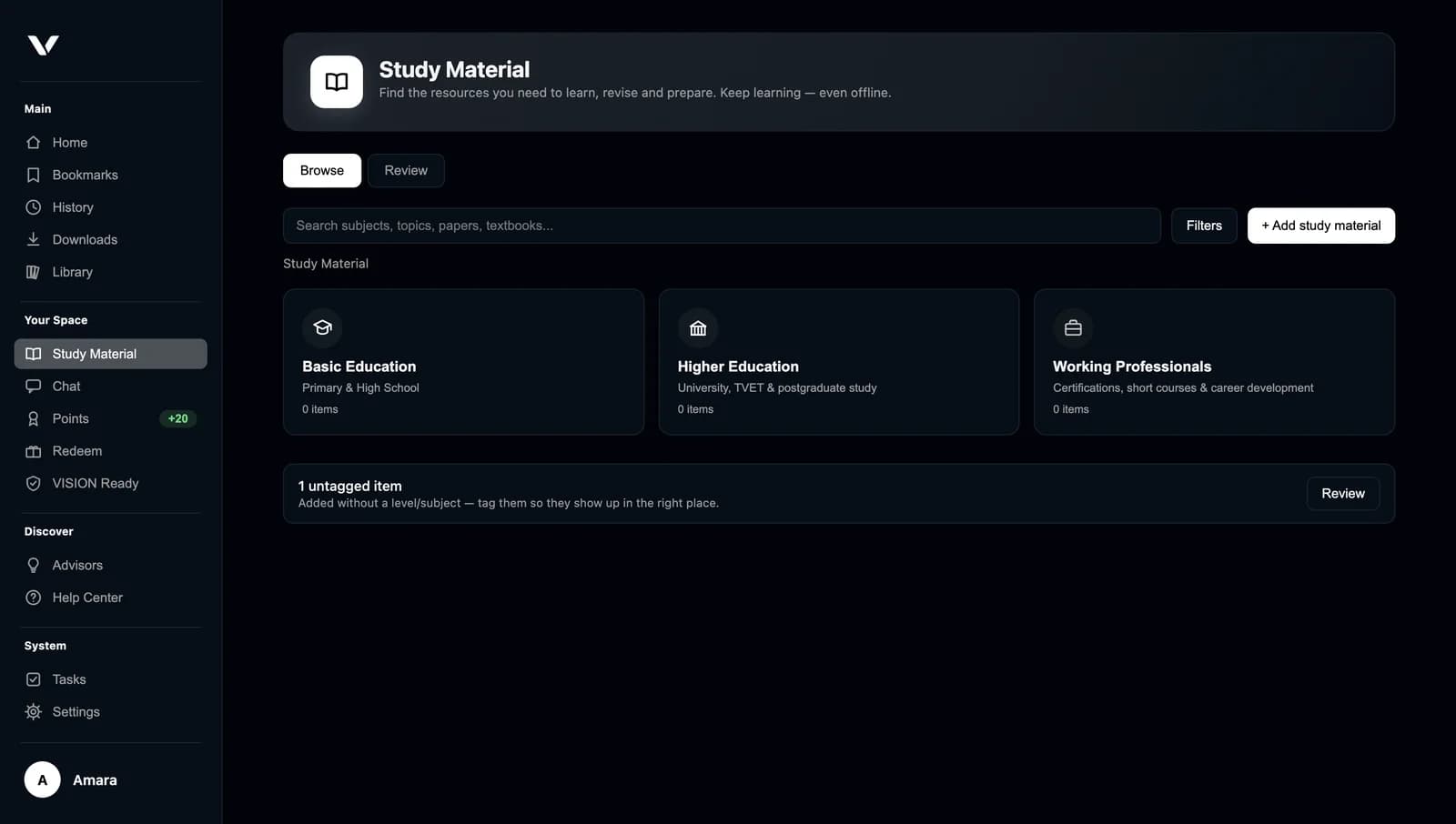
Textbooks, notes and study tools.
Write, plan and focus.
Healthy habits, recognised.
 More features
Prepare the pages and resources you need while you're online, then open them when you're not.
Keep selected pages, documents or learning resources for later.
Download supported content while you have connectivity.
Open your saved material when you're offline, subject to each page's offline support.
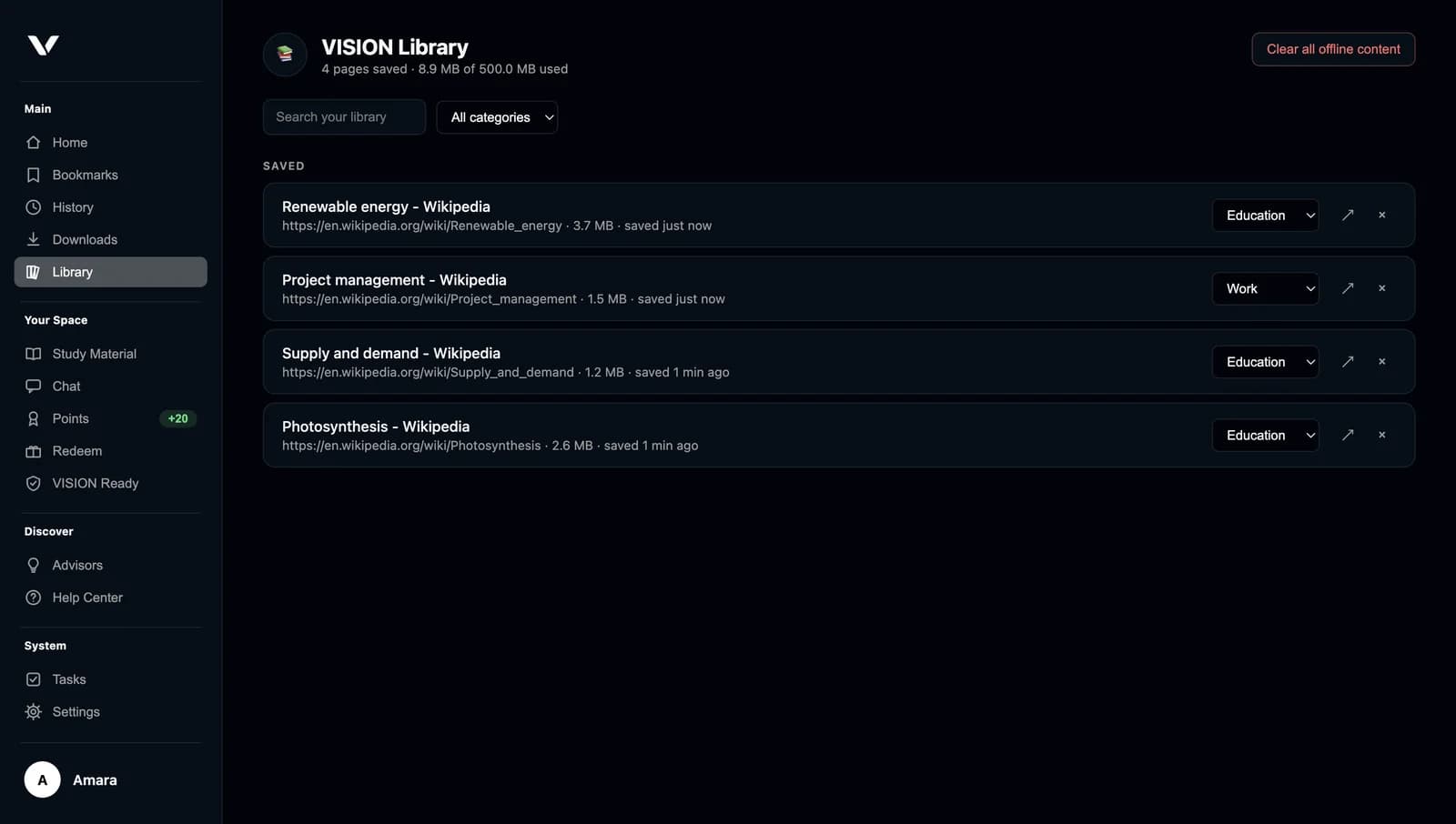
VISION doesn't provide internet access or make live websites work offline. It opens copies you saved earlier — sites that need sign-in, streaming or live data still need a connection.
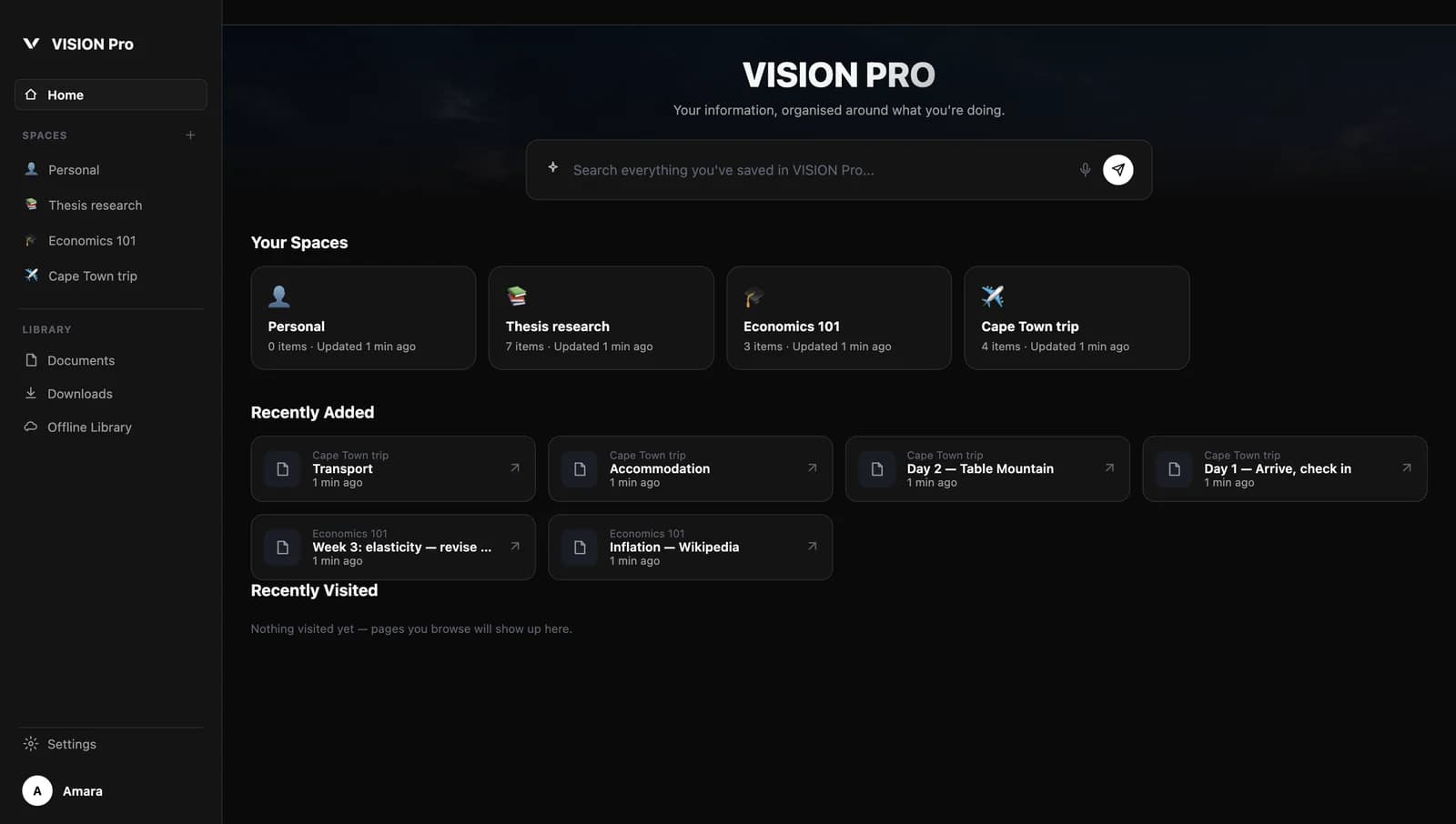
How offline readiness worksSpaces are persistent work areas that stay put when you close your tabs. Keep websites, notes and documents for each project together — and pick up exactly where you left off.

For students, educators and anyone building new skills. Keep your learning material together, study from your own documents, and save resources for the days your connection lets you down.
Flashcards, tests, study plans and explanations use AI, so they need an AI provider and a connection to create. Material you've saved stays available offline.
Explore Learning FeaturesVISION brings the tools you reach for every day into the place you already spend your time.
Gather sources into a Space, save the important ones for offline, and search everything you've kept.
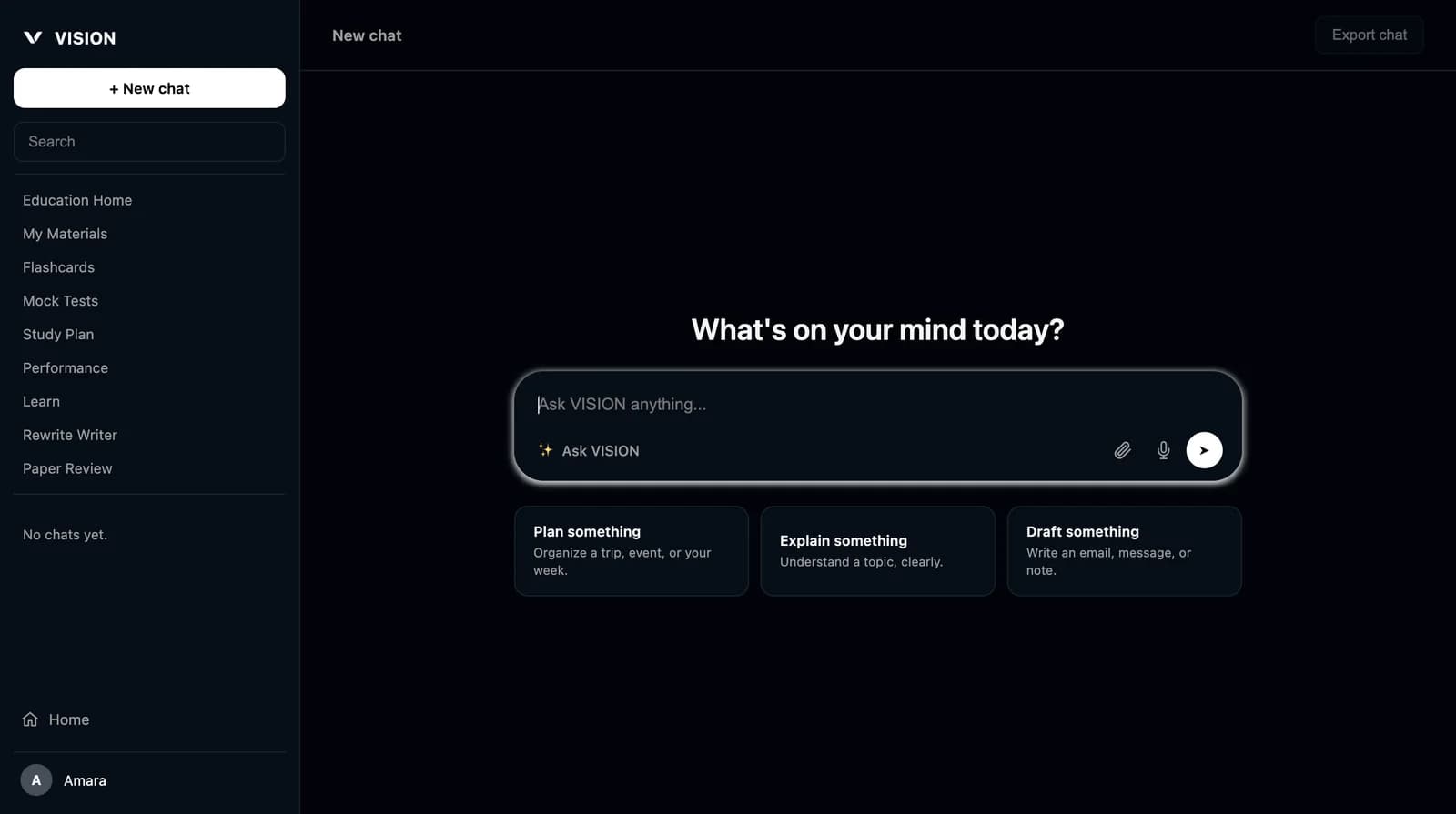
Rewrite, simplify or summarise text, and get grammar notes on a document before you send it.
Plan something, explain something or draft something. Your conversations stay on your device.
Start a Focus Mode session to block the sites you choose for 15 to 90 minutes.
AI features need an AI provider — your own OpenAI or Anthropic key, or the optional offline model.
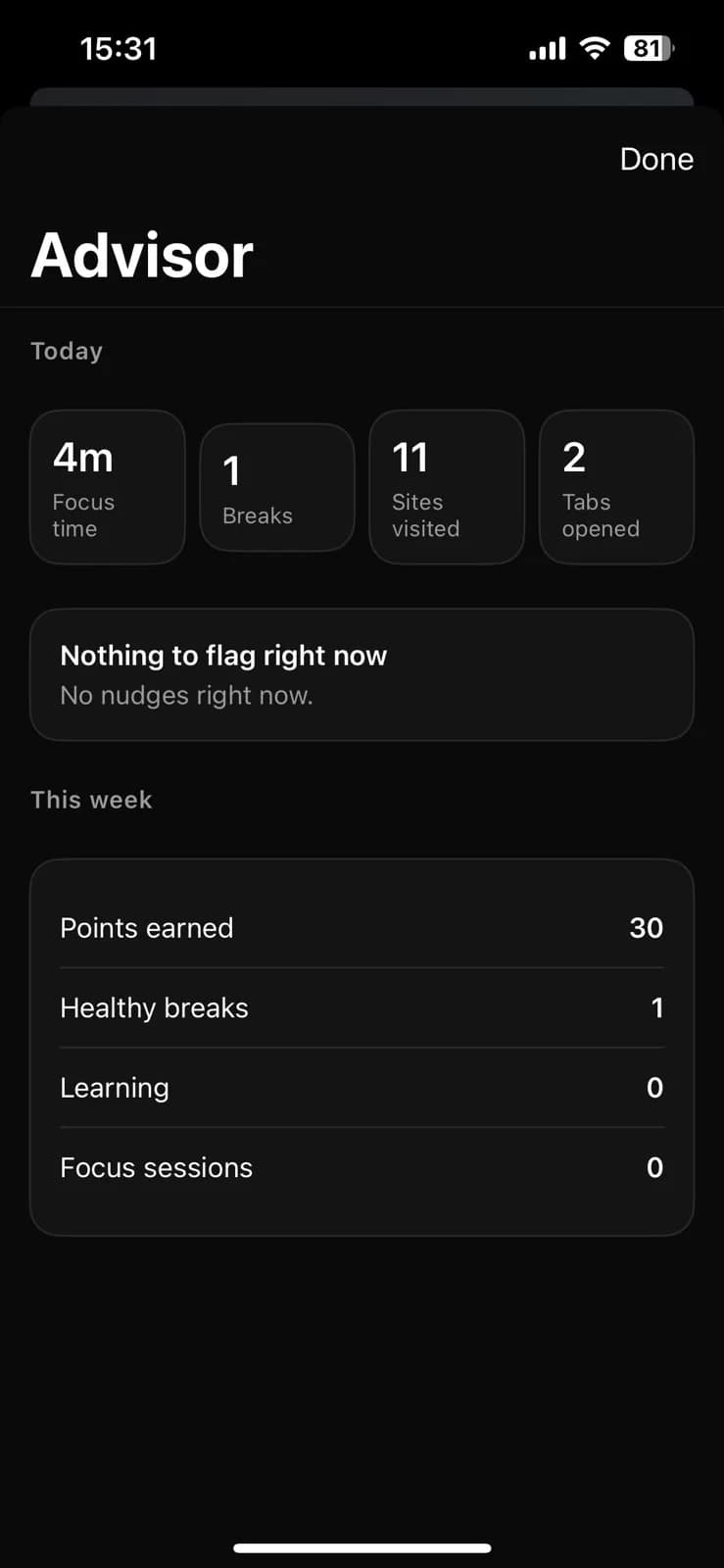
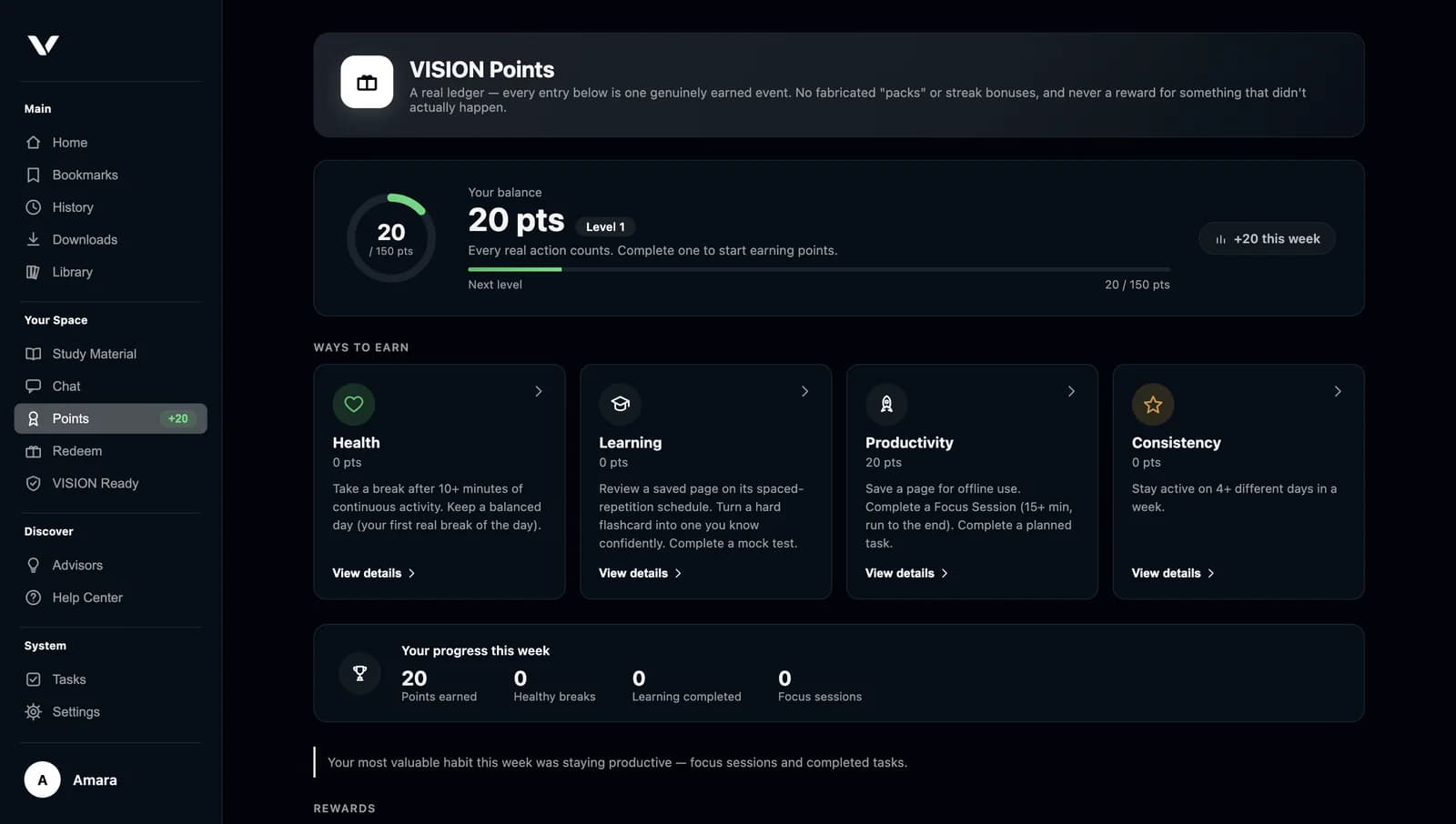
VISION encourages intentional browsing. Today's Overview shows your focus time and breaks, VISION Advisor suggests a pause when a session runs long, and VISION Points recognise real actions — saving resources, reviewing what you've learned, completing focus sessions and taking healthy breaks.
Points can't be earned by repeated clicking. Redeeming points for rewards isn't generally available yet — we'll share details when it is.
VISION is designed so the things you save live on your device, and data only leaves it when you use a feature that needs it.
History, bookmarks, saved pages, passwords, study material, Spaces and your Ask VISION chats are kept on your device.
Websites load from the sites themselves. AI questions go to the provider you choose. VISION never sends us your history or page contents.
Switch anonymous usage statistics off, download a copy of your data, or delete it from VISION's Privacy settings.
Can't find your answer? Visit the Help Centre.
VISION is a web browser. It works like the browsers you already know — tabs, bookmarks, history, downloads — and adds tools for keeping important pages, learning, staying focused and opening saved content when you're offline.
Most browsers help you open pages. VISION also helps you keep them: save pages to read offline, organise work into Spaces, study from your own documents, and build healthier browsing habits — all in one place, with your saved content kept on your device.
VISION Pro is the workspace side of VISION. It lets you create Spaces for projects, courses or research and keep websites, documents and notes together in each one. It builds on the browser rather than replacing it.
Yes, for content you've prepared. Pages you've saved, your Library, Study Material you've added and, if you've downloaded it, the offline Ask VISION model all work without a connection. Live websites still need the internet.
No. VISION saves a copy of a page as it looked when you saved it. Articles, notes and reference pages usually work well. Sites that need you to sign in, stream video, or load live information (like chat apps, feeds or online banking) will not work offline.
VISION has apps for Windows 10 and later (64-bit), macOS 12 and later (Apple silicon and Intel), Android 8.0 and later, and iPhone with iOS 16 and later. Linux isn't supported yet.
Pricing for VISION and VISION Pro has not been announced yet. We'll publish it clearly before downloads open. Organisations can contact us about licences for their learners or teams.
Go to the Download page and choose your platform. Official downloads and store listings are being finalised; until they're published, the Download page shows what's coming and how to be notified. Installation steps for each platform are listed there.
Your history, bookmarks, saved pages, passwords, study material, Spaces and Ask VISION chats are stored on your device. VISION does not send your history, the addresses you visit or page contents to us. You can download a copy of your data or delete it from VISION's Privacy settings.
Start with the Help Centre on this site, or open Help Center from the VISION menu inside the app. If you still need help, email us and we'll get back to you.
Discover a more organised way to browse, learn, and work with VISION.